Everyday objects, hand tools, furniture, clothing, containers, and household items
Identify objects, plants, animals, and more from one photo
Free AI Image Identifier
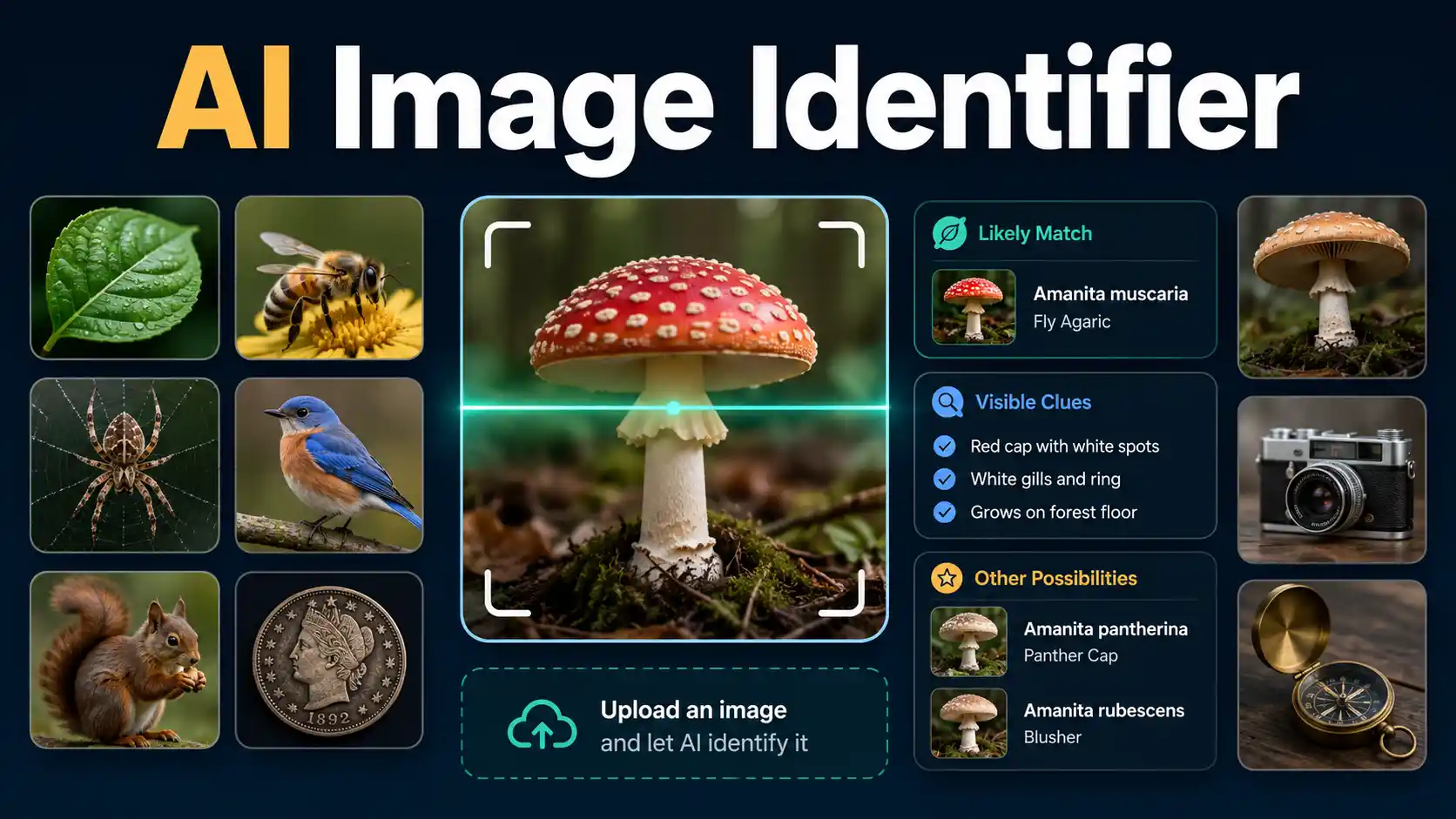
Use this free AI image identifier to examine one clear photo. SnapIdentify studies shape, color, texture, markings, structure, and any context you add. It then gives a likely match, explains the visible evidence, and lists alternatives when the image supports more than one answer.
How the Image Identifier works
One clear photo gives the Image Identifier visible evidence
SnapIdentify checks the main subject first. It reads shape, color, texture, markings, parts, proportions, and visible text. Optional location, size, and habitat details can separate similar matches.
A clear result states what the subject is likely to be. It also states what remains uncertain. That is more useful than a label with no explanation.
- 1Upload, take, or paste one image
Choose a file, use your phone camera, click the paste icon, or press Ctrl+V or Command+V.
- 2Add facts that the photo cannot show
Country, environment, approximate size, location, and observed behavior can narrow the answer.
- 3Review the match and its evidence
Check the likely name, confidence bar, visible clues, alternatives, safety note, and recommended next step.
Identification coverage
What can you identify from a photo?
The identifier can examine natural and manufactured subjects. It returns a broader category when the photo does not contain enough evidence for an exact match.
Plants, leaves, flowers, trees, insects, birds, and common animals
Rocks, minerals, fabrics, metals, plastics, wood, and other visible materials
Coins, artifacts, components, product categories, and items with readable markings
Broad groups when an exact species, brand, model, age, or origin is not visible
Visible text, labels, logos, shapes, colors, textures, and structural features
Photo attributes that matter
Show the features that separate similar subjects
Use one sharp photo with the subject filling most of the frame. Add a second angle when labels, edges, undersides, leaf patterns, or body markings matter.
- Place one main subject near the center of the frame.
- Move closer instead of using heavy digital zoom.
- Use bright, even light and avoid glare or deep shadows.
- Show labels, markings, texture, leaf shape, body pattern, or connectors.
- Include a common object for scale when size affects the match.
- Photograph another angle when the back, underside, edge, or stem carries useful clues.
- Keep a safe distance from wildlife, unknown chemicals, electricity, and sharp objects.
What the result contains
A useful identification explains the likely match
The answer should help you check the result yourself. It should not hide uncertainty behind a precise-looking score.
- The most likely name and a broader category
- A high, moderate, or low confidence label
- Visible features that support the suggested match
- Plausible alternatives and the differences to check
- Useful attributes such as material, structure, habitat, purpose, or markings
- A practical next step and better-photo advice
- A clear safety note when the subject may carry risk
Why identification can fail
Low confidence is better than a forced answer
Computer vision can fail when key details are hidden, the image is unclear, or several subjects look alike. A second photo often fixes the problem.
- The subject occupies only a small part of the image.
- Several objects compete for attention in the same frame.
- The photo is blurred, dark, heavily filtered, or overexposed.
- Reflections hide labels, colors, surface texture, or body features.
- The important detail is not visible, such as a serial number or leaf underside.
- A screenshot or compressed thumbnail removes fine details.
- The request asks for medical diagnosis, authenticity, value, or safety that a photo cannot prove.
- The location or scale is missing when several similar matches occur in different places or sizes.
Worked identification examples
Better evidence produces a more useful answer
Each example shows which entities and attributes help the tool move from a broad category to a more specific match.
Unknown household tool
A close photo shows the whole tool, handle, working end, material, and stamped markings. Those attributes can reveal its category and purpose.
Plant, leaf, or flower
A whole-plant image plus leaf arrangement, edge, veins, stem, flower, or fruit gives more evidence than one detached leaf.
Insect found indoors
A top view, side view, rough size, country, room type, wing shape, antennae, and leg structure can separate similar household insects.
Unmarked product or component
The shape may identify the category. A second image of ports, fasteners, labels, and dimensions may narrow the model or intended use.
Use the result responsibly
Identification is not verification
AI image identification can be wrong. Similar species, damaged objects, young organisms, poor light, and hidden details can change the answer. Do not rely on one photo for medical, food-safety, wildlife, chemical, electrical, legal, or financial decisions.
Use a qualified local expert when the answer affects health, safety, money, property, wildlife, or legal rights.
Choose the next identification step
Use the tool that matches what the photo actually shows
Questions about picture identification
Answers before you upload an image
Can I identify an object from a picture for free?
Yes. Upload one clear image and SnapIdentify will attempt to identify the main visible subject without requiring an app installation.
Can I paste an image from my clipboard?
Yes. Copy an image, return to this page, and press Ctrl+V or Command+V. You can also use the Paste image button when your browser allows clipboard access.
What kinds of pictures work best?
Sharp, well-lit photos work best. The subject should fill most of the frame and show the features that separate it from similar items.
Can the tool identify anything?
No visual tool can identify every image. Unusual, damaged, distant, hidden, or visually similar subjects may remain uncertain.
Does SnapIdentify provide an exact confidence percentage?
No. The result uses high, moderate, or low confidence because a precise percentage could imply accuracy that has not been calibrated.
Are uploaded photos stored?
SnapIdentify processes uploads in memory for the identification request and does not intentionally write them to local disk. The configured AI provider processes the image under its own service terms.
Can I use the result to decide whether something is safe?
No. Confirm mushrooms, wildlife, chemicals, electrical parts, medicines, and medical concerns with a qualified local expert.
Further reading
Authoritative information about visual identification
These external resources explain identification methods and the limits of computer-vision suggestions.
- Google Search Help
Google explains how image search can use an uploaded photo, a camera image, or part of an image to find related information.
- iNaturalist Computer Vision Help
iNaturalist explains why computer-vision suggestions can fail when a subject, region, or photo style differs from the model's training examples.